Chapter/Index: Introduction | A | B | C | D | E | F | G | H | I | J | K | L | M | N | O | P | Q | R | S | T | U | V | W | X | Y | Z | Appendix
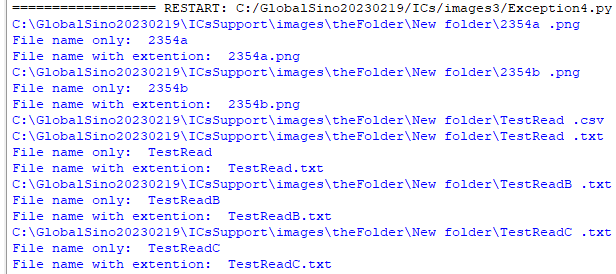
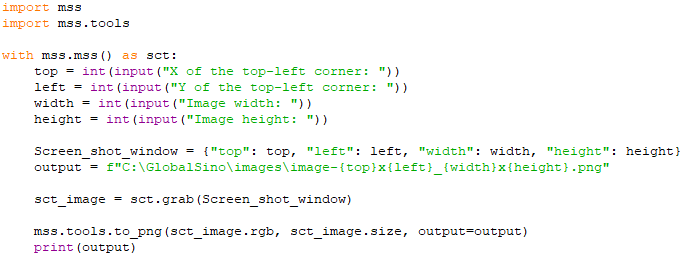
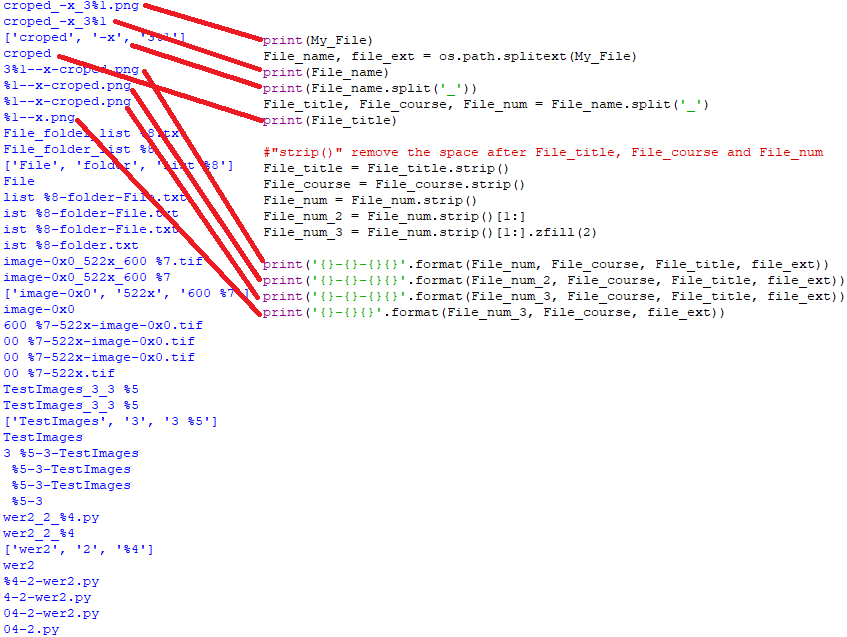
| This tutorial-style reference shows how to use Python’s built-in os module for automating file and folder operations. It provides examples for creating directories with error handling, conditionally making folders if they don’t already exist, copying and renaming files, listing files by extension, and exporting file names to text. Additional examples cover tasks like bulk renaming, using variables for file naming, and even integrating with screenshot tools. Overall, the page demonstrates practical scripting techniques for streamlining file system management in automation workflows. The Python os.mkdir() method is used to create a directory with the name path and the provided numeric mode. If the specified directory already exists, then this method throws a FileExistsError. ========================================================= Create a new folder if the specific folder does not exist. Code: ========================================================= List all files and extentions of the files in a folder with "or" to catch different cases. Code: ============================================ Create a new folder if the specific folder does not exist. Code: ========================================================= Create file name with variables. Code: ========================================================= Create a new folder and then copy all files from a folder to the new folder and rename the file, and then open the file. If the folder exists, then no file will be copied, but the file will still be opened. Code: ========================================================= Screen shot of a defined region on the monitor: code: ========================================================= File name: code: ========================================================= Print and export the folder names and file names (with or without extensions) from a folder into a text file: code: ========================================================= Rename all files and folders in a directory: code:
|